
Enhancing Legal Data Insights for Smarter Judiciary Decisions

Our client, a progressive legal technology provider, is committed to modernizing access to legal information for professionals across jurisdictions.
With a platform rich in court records and legal analytics, they partnered with OnPoint Insights to automate and enhance their data extraction and visualization capabilities, driving efficiency and deeper insight for their end users.
Legal Technology & Data Analytics
13 Weeks


- Legal Data Analytics
- REST API Integration
- Power BI Dashboard Development
- Power Query M Customization
- Automated Data Extraction
- JSON Data Transformation
- Legal Records Visualization
- Scalable Reporting Framework


The Challenge
The client faced significant operational inefficiencies due to manual legal data extraction and delayed reporting workflows. They needed a fast, scalable, and automated solution that could integrate seamlessly with their REST API and enable insightful analysis through powerful visualizations.
Manual Legal Data Extraction
Large volumes of legal data had to be manually extracted from a centralized database, increasing effort and slowing analysis.
Time-Consuming Workflows
Manual workflows delayed critical analysis and made report preparation inefficient for legal teams.
Difficulty Identifying Legal Patterns
Unstructured legal records made it difficult to identify patterns, trends, court activity, and party involvement.
Need for Scalable API-Based Reporting
The client required an automated solution that could connect with their REST API, process large datasets, and support continuous updates.
Our Solution
OnPoint Insights developed a tailored Power BI solution, integrating directly with the client’s REST API.
The implementation automated data extraction, transformed JSON responses into structured datasets, and enabled users to explore legal insights through interactive dashboards.

Built a reusable Power BI function to dynamically fetch legal records based on parameters like party name and pagination.
Transformed and modeled incoming JSON responses into a structured dataset suitable for visual exploration.
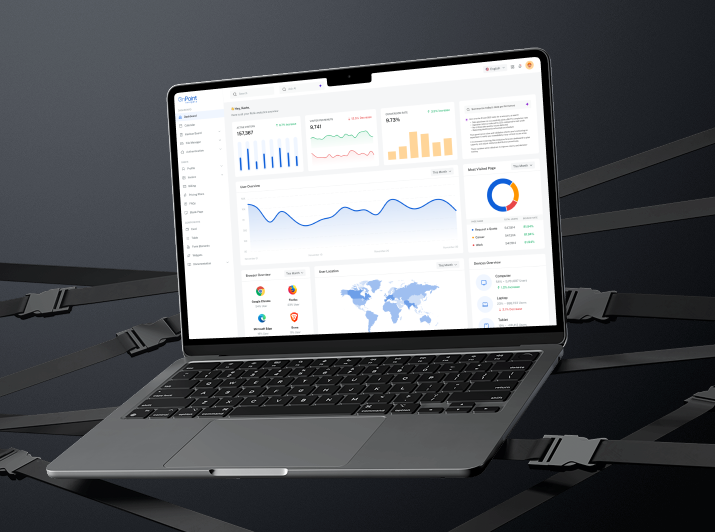
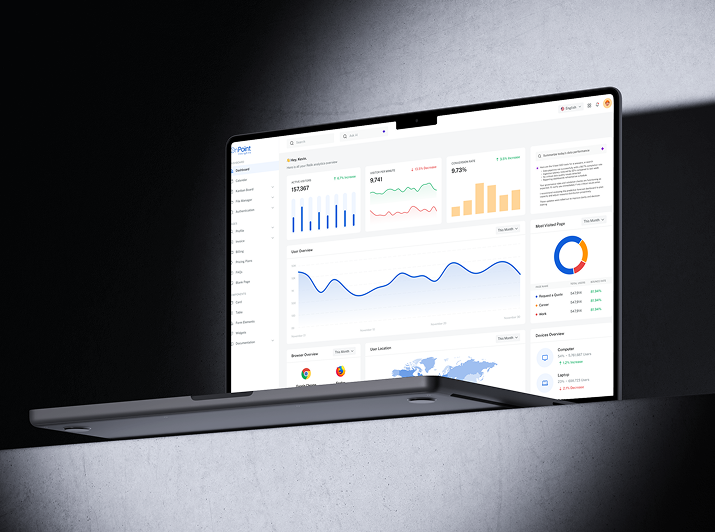
Created an interactive dashboard environment in Power BI, allowing users to explore legal patterns, court activity, party involvement, and more within seconds.
Designed the solution to scale across large datasets and support continuous updates through automation.
Results & Impact
The solution helped legal teams automate reporting workflows, reduce manual effort, and access meaningful legal insights faster.

Time Savings
Legal teams significantly reduced time spent on manual data handling and report preparation.
Improved Accuracy
Automation minimized human error in data extraction and aggregation.
Actionable Legal Intelligence
Dynamic dashboards helped uncover relationships, trends, and case distributions at a glance.
Faster Decision-Making
Real-time access to legal analytics empowered quicker and more informed actions across departments.
Explore Other Case Studies
Next Case Study
How a Mid-Market Finance Team Cut Invoice Processing to Under 10 Seconds

Digitizing Continuous Improvement for a Global Medical Manufacturer

Real-Time Equipment Visibility for a Global Medical Manufacturer
Collaborate with us
We're here to answer your questions and help you find the right solution.


"*" indicates required fields