
Reports and Insights for Workforce and Talent Solutions Platform
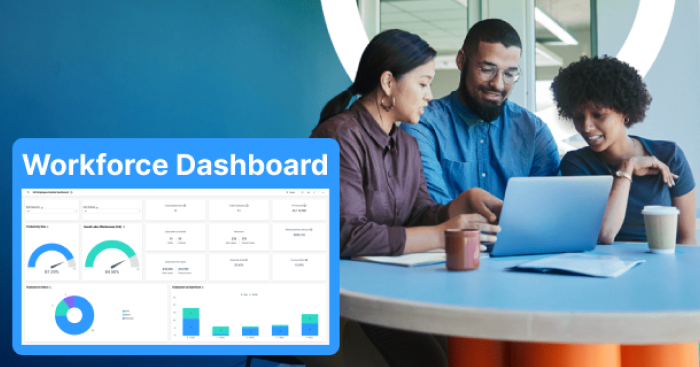
Our client, a global leader in talent solutions and innovation, connects top-tier businesses with skilled professionals through agile teams and specialized delivery centers.
Their internal Learning Management System plays a critical role in preparing talent through structured learning paths. The client aimed to enhance visibility into student progress and optimize learning interventions using advanced analytics.
Workforce Development & Digital Learning
13 Weeks

- Learning Analytics Dashboard Development
- Power BI Reporting
- GraphQL API Integration
- Power Query M Customization
- Student Performance Categorization
- Drill-Down Reporting
- LMS Analytics Optimization
- Scalable Reporting Architecture


The Challenge
The client faced key hurdles in tracking and personalizing the learning experience. Their existing LMS infrastructure limited visibility into student progress, making it difficult to identify performance gaps and provide timely interventions.
Limited Data Access Through GraphQL API
Restricted data access through the GraphQL API limited overall visibility into student performance and learning progress.
No Automated Student Categorization
The client lacked an automated way to categorize students into red, yellow, and green performance groups based on defined thresholds.
Lack of Detailed Student Metrics
Without detailed student-level metrics, educators and program leaders found it difficult to identify struggling learners and take timely action.
LMS Integration and Performance Challenges
The solution needed to integrate with the existing LMS infrastructure while maintaining strong dashboard performance and usability.
Our Solution
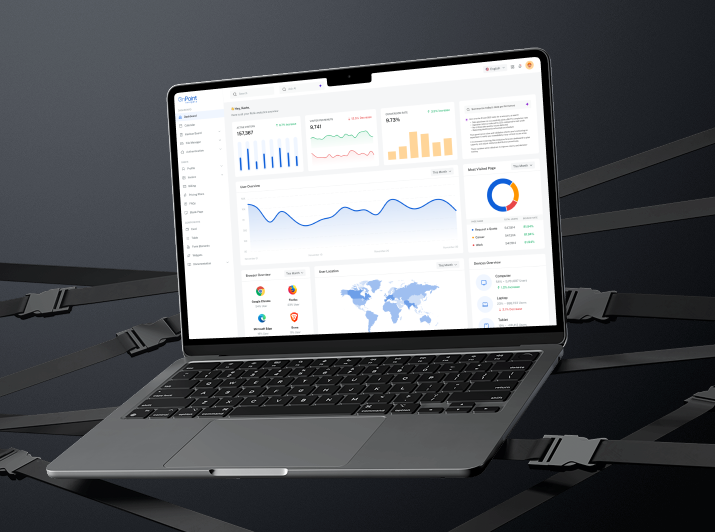
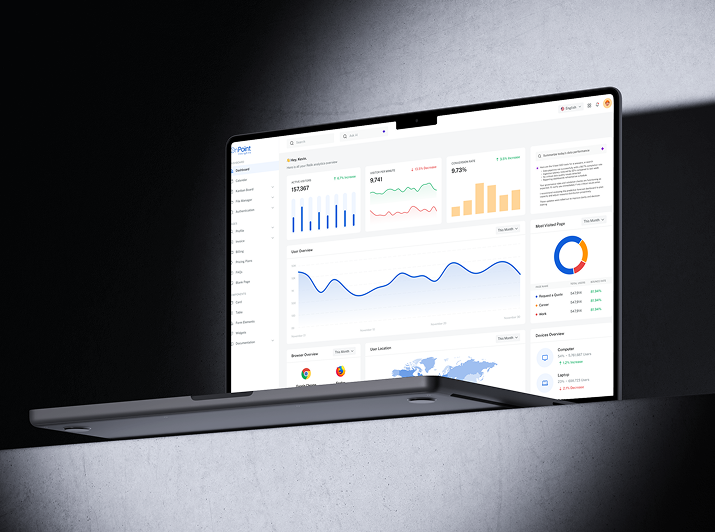
OnPoint Insights delivered a customized Power BI solution that enabled real-time insights, flexible reporting, and actionable intelligence for learning path optimization.
The solution improved data access, introduced performance categorization, and gave educators clearer visibility into student progress.

Extended the data pull capability of the GraphQL API to access a broader, more useful dataset.
Developed a smart classification algorithm to group students by performance thresholds.
Created clean, visual overviews of progress along with drill-down capability for student-level metrics.
Fine-tuned logic and dashboard performance based on user feedback and evolving LMS needs.
Results & Impact
The Power BI solution helped the client improve learning visibility, personalize interventions, and optimize resource allocation across their LMS ecosystem.

Holistic Progress Monitoring
Provided an at-a-glance summary of student progress across categories.
Student-Level Insights
Drill-down functionality enabled early intervention for struggling learners.
Personalized Learning Paths
Educators could now assign custom paths based on real-time analytics.
Enhanced Accountability
Transparent progress categorization encouraged student ownership.
Explore Other Case Studies
Next Case Study
How a Mid-Market Finance Team Cut Invoice Processing to Under 10 Seconds

Digitizing Continuous Improvement for a Global Medical Manufacturer

Real-Time Equipment Visibility for a Global Medical Manufacturer
Collaborate with us
We're here to answer your questions and help you find the right solution.


"*" indicates required fields