
Using Data Analytics to Improve Transparency in Court Services

A state-level judicial institution serving thousands of residents aimed to improve transparency, operational decision-making, and public accessibility.
The client sought to transform fragmented data from multiple sources into intuitive dashboards for both internal court management and public-facing services.
Government & Judiciary
13 Weeks



- Public-Facing Dashboard Development
- Court Management Analytics
- Power BI Dashboard Development
- Excel Data Standardization
- SharePoint Data Integration
- Automated Data Refresh Setup
- Visitor & Demographic Analysis
- Communication Channel Performance Reporting


The Challenge
The court faced several interconnected challenges around transparency, internal reporting, and service performance visibility. The organization needed a centralized analytics solution that could support public access to service data while also helping internal teams make better operational decisions.
Limited Public Transparency
Limited public access to service usage data reduced transparency and made it harder for citizens to understand court program activity.
Inefficient Internal Analysis
Internal teams lacked an efficient way to analyze visitor demographics, case types, and resource allocation patterns.
Lack of Communication Channel Visibility
The court had limited visibility into call, chat, and communication channel performance, making it difficult to evaluate user engagement and service quality.
Disorganized Multi-Source Data
Data was spread across multiple spreadsheets and formats, which hindered efficient analytics and slowed reporting workflows.
Our Solution
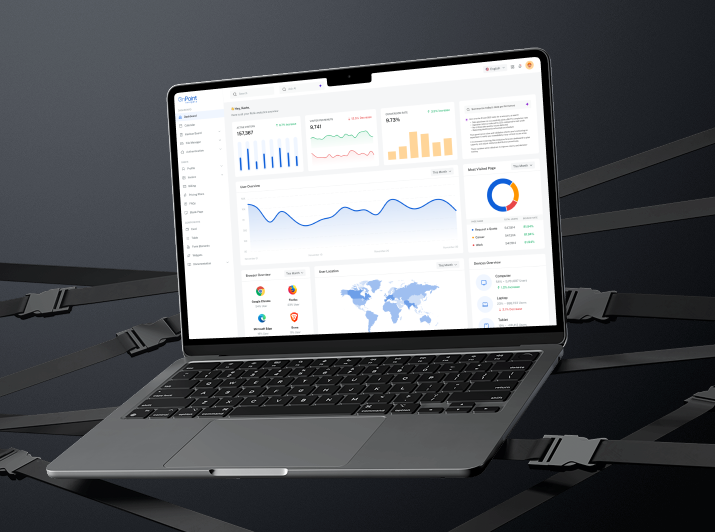
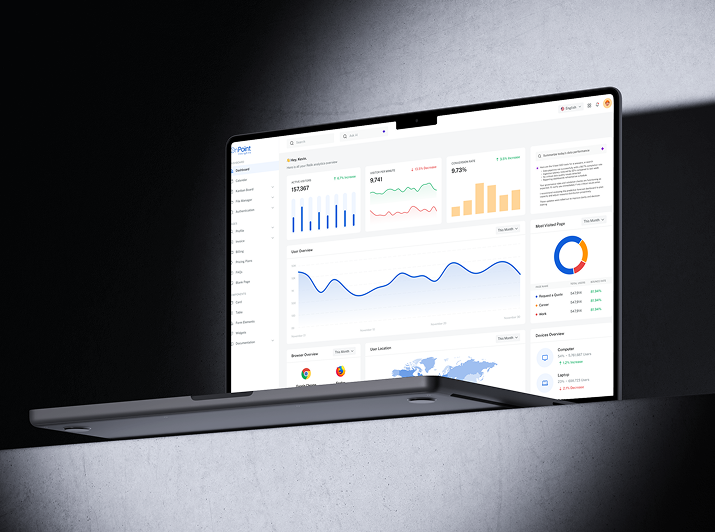
OnPoint Insights implemented a robust analytics solution using Power BI, SharePoint, and Excel to build interactive dashboards and streamline data workflows.
The solution transformed fragmented data into accessible dashboards for both public transparency and internal court management.

Built a four-page Access to Justice dashboard displaying program usage, demographics, languages, interviews, and help center activity, made accessible to the public to boost transparency.
Visualized county-wise visitor trends, case types, and demographics to inform staffing and resource planning.
Provided insights into call and chat volumes, wait times, and communication channel usage to enhance user services.
Cleaned and standardized Excel-based data, stored it in SharePoint, and connected it to Power BI for automated refreshes and centralized access.
Results & Impact
The analytics solution helped the judicial institution improve public transparency, streamline internal reporting, and enhance service performance visibility.

Increased Public Transparency
Citizens now have access to court program data, strengthening trust and awareness.
Smarter Resource Allocation
Management teams can allocate staff and resources based on visitor trends and demand patterns.
Improved User Experience
Wait times and communication efficiency improved due to better visibility into service performance.
Centralized Data Management
A unified SharePoint-based data repository streamlined reporting and enhanced overall analytics productivity.
Explore Other Case Studies
Next Case Study
How a Mid-Market Finance Team Cut Invoice Processing to Under 10 Seconds

Digitizing Continuous Improvement for a Global Medical Manufacturer

Real-Time Equipment Visibility for a Global Medical Manufacturer
Collaborate with us
We're here to answer your questions and help you find the right solution.


"*" indicates required fields