
Visual Calculations in Power BI: is it really useful?
Table of Contents
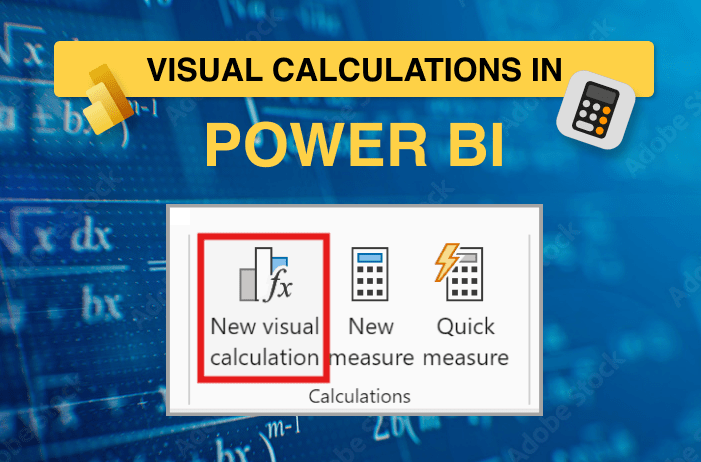
Is it really useful? or should you just stick to measures?
It was a beautiful day in February 2024 when Power BI decided to surprise us with a shiny new feature: Visual Calculations.
First the not-so-great news: As of mid-2025, the surprise is still in preview and not available in all visuals.
The million-dollar question for every new feature,
“Is this a feature that I should consider learning? Or just one of those ‘happy to have, rarely used’ things?”
This blog won’t teach you how to create visual calculations.
Instead, I’m here to help you decide: should you embrace visual calculations, or stick to our good old DAX measures?
How I Discovered Visual Calculations
When a client asked for a running sum, but only for one specific visual.
I first began writing a measure. But out of curiosity, I decided to check Visual Calculations instead.
It provided a visual matrix with a formula bar!
And after typing in formula bar: RUNNINGSUM([ColumnNameFromVisual]), I got accurate results.
It was pretty simple
It was pretty quick
It was just pretty
That moment sparked my interest. I started exploring and experimenting, leading me to discover:
The Superpower of Visual Calculations
How Useful Is It?
Final Thoughts
Visual Calculations aren’t here to steal DAX’s job.
They’re just here to give us options – for those one-off visuals, quick what-ifs, or “let me test this real quick” moments.
Visual Calculations aren’t just some surface-level feature.
They’ve got layers. This blog just scratches the surface -the Power BI docs2 will give you an in-depth picture.
Both DAX measures and Visual Calculations bring value.
The real power move?
Knowing when to reach for which.
So,
Try it. Play with it. Break it.
Conclusion
Ready to make the most of Power BI’s latest features? click here.
Contact OnPoint Insights today and see how we can help you leverage Visual Calculations, optimize your data models, and build smarter dashboards that drive better decisions.
+1 (978) 788-2563
For more insights, explore the OnPoint Insights Blog, where we share practical tips on analytics, BI, data strategy, AI & ML, and more.
References
- Using visual calculations for conditional formatting – https://www.sqlbi.com/articles/using-visual-calculations-for-conditional-formatting/
- Using visual calculations (preview) – https://learn.microsoft.com/hi-in/power-bi/transform-model/desktop-visual-calculations-overview



Collaborate with us
We're here to answer your questions and help you find the right solution.


"*" indicates required fields