Introduction
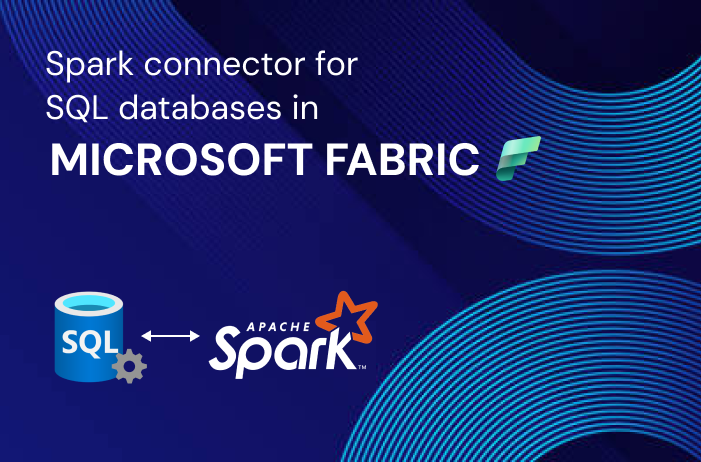
Microsoft Fabric stands as a formidable all-in-one analytics solution designed for enterprises, encompassing a spectrum from data movement to data science, real-time analytics, and business intelligence. At its core, Microsoft Fabric offers a unified platform that seamlessly integrates various components from Power BI, Azure Synapse, and Azure Data Factory into a singular, cohesive environment.
Comprehensive Suite of Services
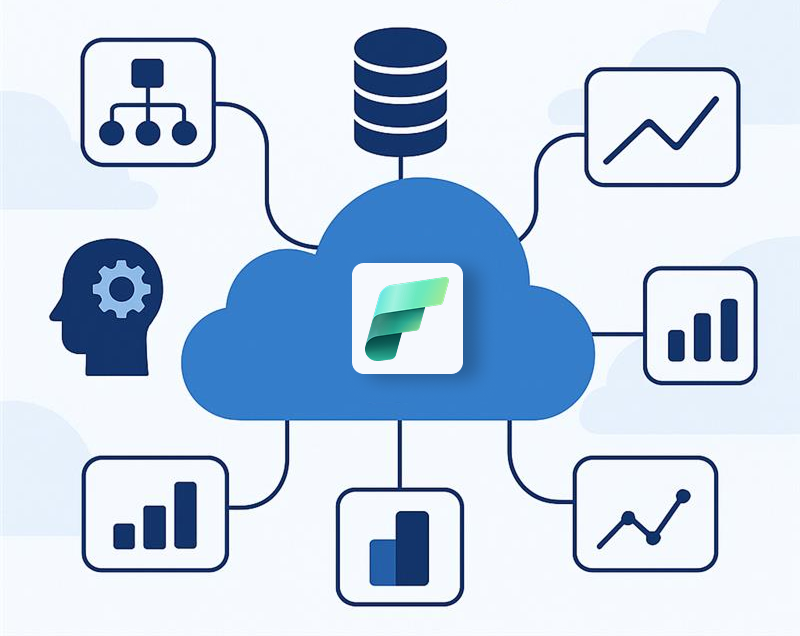
This integrated platform presents a comprehensive suite of services, incorporating data lake capabilities, data engineering tools, and data integration functionalities – all consolidated within a unified framework. By bringing together both new and existing components, Microsoft Fabric offers streamlined user experience, presenting components like Data Engineering, Data Factory, Data Science, Data Warehouse, Real-Time Analytics, and Power BI on a shared SaaS foundation.
Advantages of Integration
The integration of these components results in several advantages for users and organizations:
• Deeply Integrated Analytics: Access an extensive range of deeply integrated analytics within the industry.
• Shared Experiences: Experience a consistent and shared interface across various components, enhancing familiarity and ease of learning.
• Asset Accessibility for Developers: Developers can easily access and reuse assets across the integrated platform.
• Unified Data Lake: Maintain data where it is, leveraging preferred analytics tools while benefiting from a unified data lake.
• Centralized Administration and Governance: Enjoy centralized administration and governance capabilities across all integrated experiences.
Components of Microsoft Fabric
Microsoft Fabric seamlessly brings together both new and existing components from Power BI, Azure Synapse, and Azure Data Factory into a singular, integrated environment. This convergence of components is then presented through tailored and customized user experiences, unifying various aspects of data management and analytics.
Unified SaaS Foundation
The integrated components span a range of critical areas, including:
• Data Engineering: Empowering users with tools and capabilities for efficient data processing and engineering workflows.
• Data Factory: Facilitating the orchestration and automation of data workflows, ensuring seamless data movement and transformation.
• Data Science: Providing a robust environment for data scientists to conduct advanced analytics and machine learning tasks.
• Data Warehouse: Enabling the storage and retrieval of large volumes of data for analytical processing.
• Real-Time Analytics: Supporting the processing and analysis of data in real-time, allowing for timely and informed decision-making.
• Power BI: Offering a powerful suite for business intelligence, data visualization, and interactive reporting.
Advantages of Integration
This integration of components yields several advantages:
• Deep Integration: Users benefit from a deep integration of analytics tools within the industry, covering a wide spectrum of data-related tasks.
• Consistent User Experiences: The shared environment ensures consistent and familiar user experiences across various analytics components.
• Asset Reusability: Developers can easily access and reuse assets across the integrated platform, promoting efficiency and consistency.
• Unified Data Lake: Microsoft Fabric allows users to retain data in its original location while utilizing preferred analytics tools, all within the framework of a unified data lake.
• Centralized Administration and Governance: Organizations gain centralized control over administration and governance, ensuring a cohesive management approach across all integrated experiences.
Step-by-Step Guide for Setting up the Ecosystem
Step 1: Login to Microsoft Power BI with your Developer Account
- Access Power BI Service: Begin by navigating to the Power BI Service and log in using your Microsoft 365 Developer Account credentials.
- Familiar Interface: Upon logging in, you’ll observe a familiar Power BI Service interface, with the addition of the OneLake icon at the top left.
- User Authentication: Ensure that your developer account has the necessary permissions, including admin rights, granting access to a Power BI Pro account.
Step 2: Enable Microsoft Fabric for your Tenant
- Navigate to Settings: Within the Power BI Service, navigate to the settings or admin panel
- Enable Microsoft Fabric: Locate the option to enable Microsoft Fabric for your specific tenant. Note that enabling at this level provides initial access but doesn’t grant full access to Fabric resources
- Tenant-Level Activation: Confirm the activation at the tenant level, laying the groundwork for further configuration and utilization of Microsoft Fabric resources.
Step 3: Upgrade the Power BI License to Microsoft Fabric Trial
- Create a New Workspace: For a smoother experience, consider creating a new workspace dedicated to Microsoft Fabric.
- Assign Fabric Trial License: During the workspace creation process, ensure to assign the Microsoft Fabric Trial License. This step is crucial for unlocking the full potential of Microsoft Fabric.
- Utilize Fabric Trial Capabilities: Once the new workspace is created and the trial license is assigned, you can take full advantage of Microsoft Fabric’s capabilities.
Setting up the Microsoft Fabric ecosystem involves a systematic configuration process within a designated environment. The key steps encompass creating and managing data pipelines, utilizing the copy as
Best Practices for Optimal API Data Ingestion
- Incremental Loads: For large and frequently updated APIs, implement incremental loading strategies to fetch only new or changed data, minimizing processing time and costs.
- Data Validation: Incorporate data validation checks within your Snowpark code to ensure the ingested data meets quality standards before it’s loaded into the final tables.
- Schema Evolution: Be prepared for potential changes in API response schemas. Snowflake’s schema evolution capabilities and careful schema inference in Snowpark can help manage this.
- Monitoring and Alerting: Leverage Snowflake’s monitoring tools (e.g., Query History, Account Usage views) and integrate with external alerting systems to track the health and performance of ingestion pipelines.
- Modular Code: Break down complex ingestion logic into smaller, reusable Snowpark functions and procedures.
- Parameterized Queries: Use parameters for API URLs, table names, and other dynamic values to make the ingestion process flexible and reusable.
Data Pipeline Creation
- Environment Configuration: Begin by configuring the designated environment for your Microsoft Fabric implementation.
- Copy Assistant Integration: Upon creating a data pipeline, the copy assistant plays a crucial role, now enhanced with the Microsoft 365 connector.
Microsoft 365 Connector
- Linking to Microsoft 365: Utilize the copy assistant with the new Microsoft 365 connector to seamlessly link to Microsoft 365 through Microsoft Graph Data Connect.
- Configuration Process: Configure the connection to Microsoft 365 through the copy assistant, ensuring a secure and efficient data transfer.
Dataset Selection
- Selection Process: Once the connection is established, choose and select the dataset that aligns with your analytics objectives.
- Importing into Fabric: Initiate the import process to bring the selected dataset into the integrated environment of Microsoft Fabric.
Key Takeaways
- Powerful Analytics Tool
- Microsoft Fabric stands out as a robust and all-encompassing analytics solution, equipping organizations and individuals to derive meaningful insights from vast and intricate data repositories. Its capabilities span the entire analytics spectrum, covering data movement, data science, real-time analytics, and business intelligence. This power makes Microsoft Fabric a go-to choice for enterprises seeking comprehensive analytics solutions.
- Data Mesh Architecture
- At its core, Microsoft Fabric implements a data mesh architecture. This architecture promotes flexibility and scalability in managing diverse data sources. By bringing together components from Power BI, Azure Synapse, and Azure Data Factory, Microsoft Fabric allows for the seamless integration of various analytics experiences into a unified platform. This approach facilitates the efficient handling of data across different domains, contributing to a more agile and responsive analytics ecosystem.
- Unified Experiences
- Microsoft Fabric delivers a cohesive set of analytics experiences, ensuring consistency and ease of use across its diverse components. Users benefit from a shared environment that integrates Data Engineering, Data Factory, Data Science, Data Warehouse, Real-Time Analytics, and Power BI into a unified SaaS foundation. This unified approach not only simplifies the user experience but also promotes cross-functional collaboration and knowledge sharing among different analytics disciplines.
- Simplified Workflows
- By providing deeply integrated tools and shared experiences, Microsoft Fabric simplifies analytics workflows. This simplification is essential for enabling creators to concentrate on producing their best work. Developers can easily access and reuse assets across the integrated platform, fostering efficiency and consistency. The platform’s user-friendly interface and centralized administration further contribute to a seamless analytics experience, allowing organizations to focus on deriving insights rather than navigating complex technical challenges.
Discover how OnPoint Insights can help your business set up and optimize Microsoft Fabric, click here.
Contact OnPoint Insights today and see how we can help your business operations reporting needs!
+1(978) 788 2563
For more insights, you can explore OnPoint Insights blog where we discuss various topics